

Mac
The timing that knows you're busy: waits for calls, videos, presentations and fast typing.
For Mac, iPhone and Apple Watch
A menu-bar app for Mac that holds your break until the call or the slide is done. Also on iPhone and Apple Watch.
Never asks for Microphone, Camera, Screen Recording or Accessibility access.
It runs on Mac, iPhone and Apple Watch. Know someone who'd like it?
Free TestFlight beta this winter · App Store in January 2027
Most break reminders interrupt you mid-sentence. PausePace waits.
It runs quietly in the menu bar and counts your screen time.
A pause in your typing, a switch between apps, the end of a call, video or presentation.
A short break card appears. End it on your Mac, iPhone or Apple Watch.
No account. No analytics in the app. Everything stays on your devices.
To tell that you're on a call, it reads the system's yes/no signal that a camera or microphone is in use — never audio or video.
After installing, open System Settings → Privacy & Security: PausePace isn't in the Microphone, Camera, Screen Recording or Accessibility lists.
The timing that knows you're busy: waits for calls, videos, presentations and fast typing.

A simple break timer on its own, or a mirror of your Mac with a Lock Screen countdown.
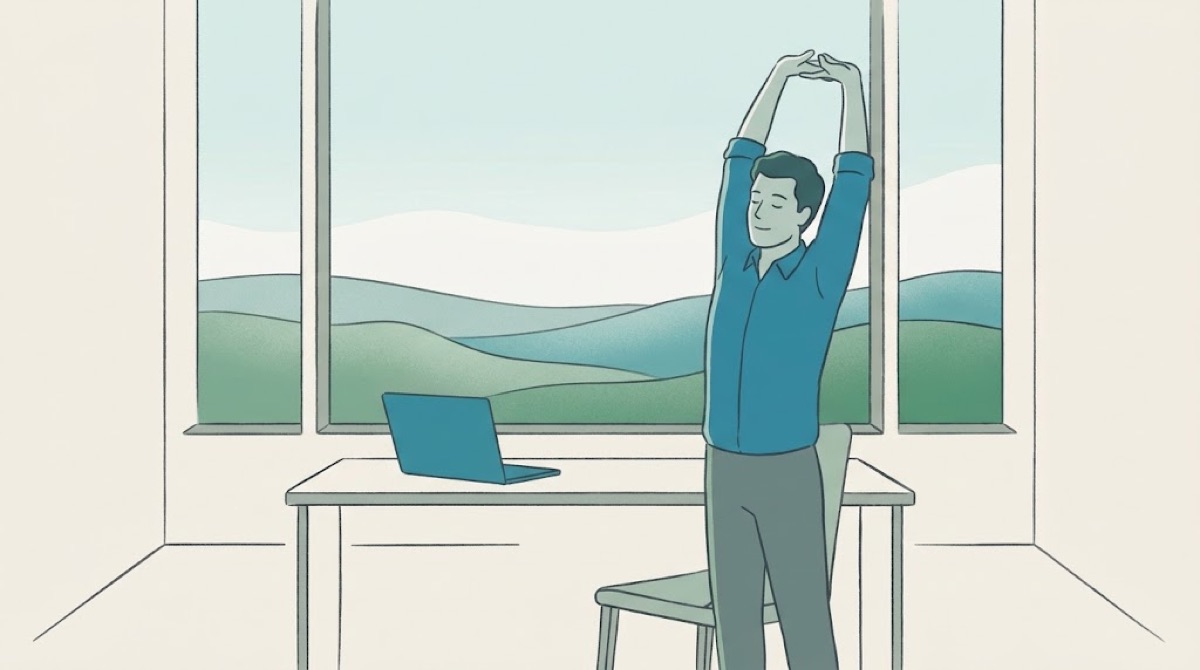
A gentle tap on your wrist when it's time to look away — and when the break is over.
A free TestFlight beta opens this winter. The App Store launch is planned for January 2027. Join the list and we'll send you one email when each is ready.
No. It never asks for Microphone, Camera, Screen Recording or Accessibility access. It only checks whether a mic or camera is in use — a yes/no system signal — never what they hear or see.
Yes. On the Mac, PausePace holds a break while a call, video or presentation is going on, and starts it after you hang up.
No. Choose “Use on this iPhone” for a simple break timer with reminders. Pairing with a Mac adds the smart timing.
Yes. Break reminders, the iPhone and Apple Watch apps, widgets and Shortcuts are free with no time limit. An optional Pro upgrade adds a weekly tune-up, calendar heads-up and longer history.
Not planned. PausePace is built for Apple devices.
Join the free beta. We'll email you twice: when TestFlight opens and at launch.
It runs on Mac, iPhone and Apple Watch. Know someone who'd like it?